How it works
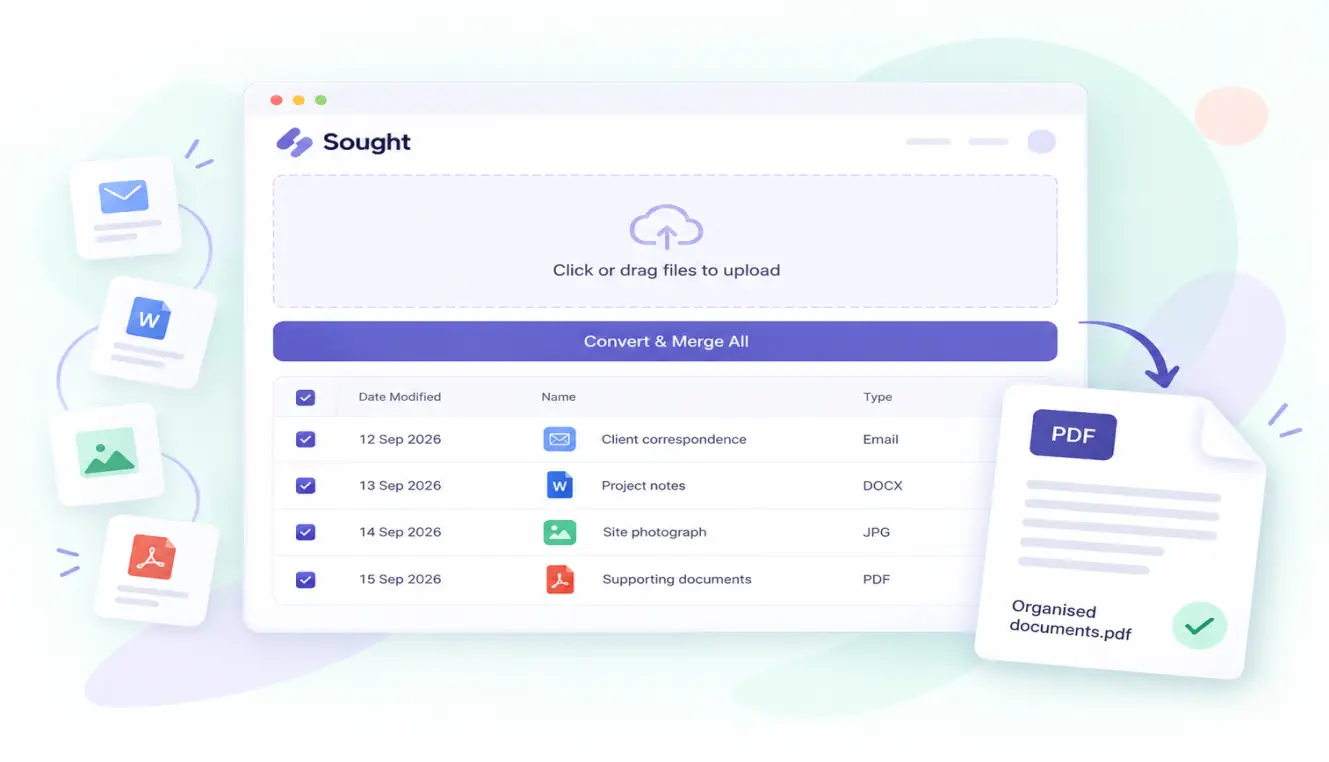
Sought keeps the workflow focused. Add your files, arrange and review them, then merge the selected material into one PDF.
Step 1
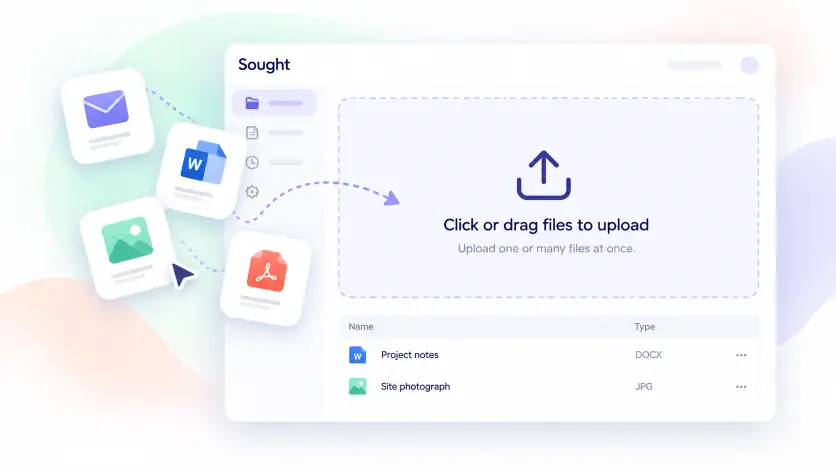
Drag emails, documents, images and other supported files into the Sought interface. You can bring a mixed set of material into one workspace instead of converting each file separately.
Step 2
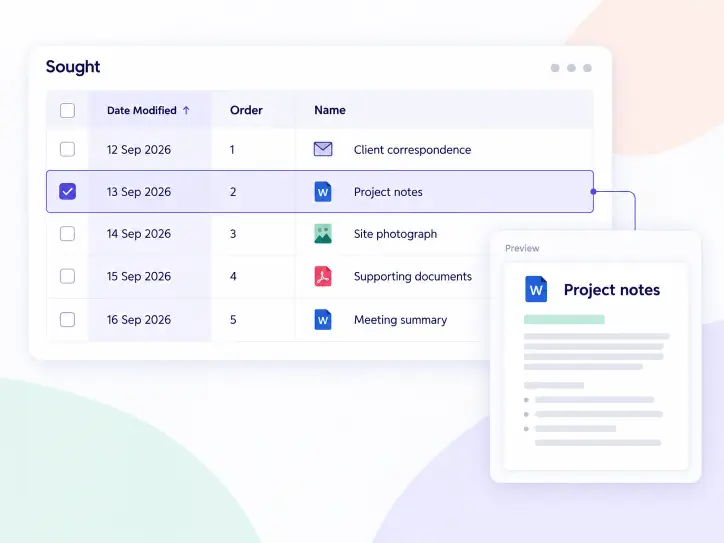
Sort documents chronologically in ascending or descending order. Preview converted files, identify duplicate material and remove anything that should not appear in the final document.
Step 3
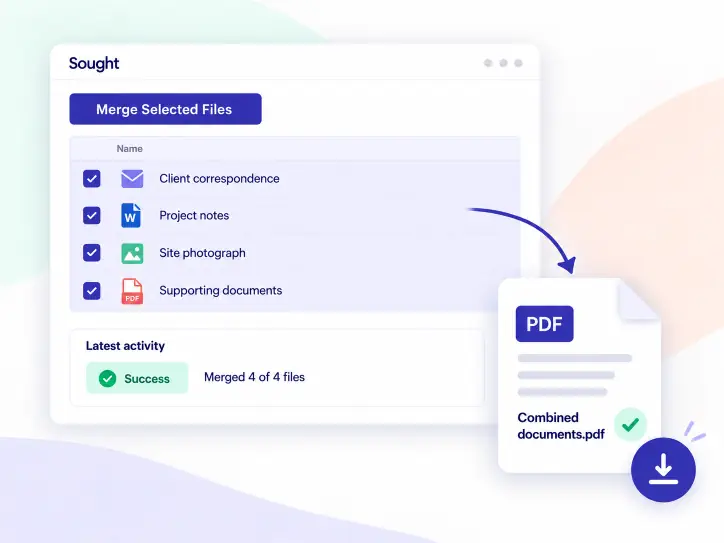
Select the documents you want, merge them into one PDF and download the finished file. One credit is used for each download, whether you download a single converted file or a merged PDF.
Demo
Watch the short demonstration to see how files move from upload to an organised PDF.
Features
Catch duplicate material before it reaches the finished PDF.
Arrange documents by date in ascending or descending order.
Convert individual files to PDF and preview them before merging.
Delete irrelevant items from the workspace before you create the final file.
Combine the selected material into a PDF that is easier to review, store or share.
Choose from the data regions available to your plan and delete uploaded files when you finish.
Use cases
Create ordered records from client correspondence, emails, attachments and case material. Review the sequence before producing one PDF for preparation or sharing.
Consolidate departmental communications and documents into a clearer record for information-access workflows and review.
Bring personal documents together without relying on a complicated document-management system.
Use Sought within your own server environment and discuss deployment, licensing and support with the team.
Use the current Software Guide for detailed instructions and troubleshooting, or contact Sought Support.